FeaturesCustomer management
Customer management
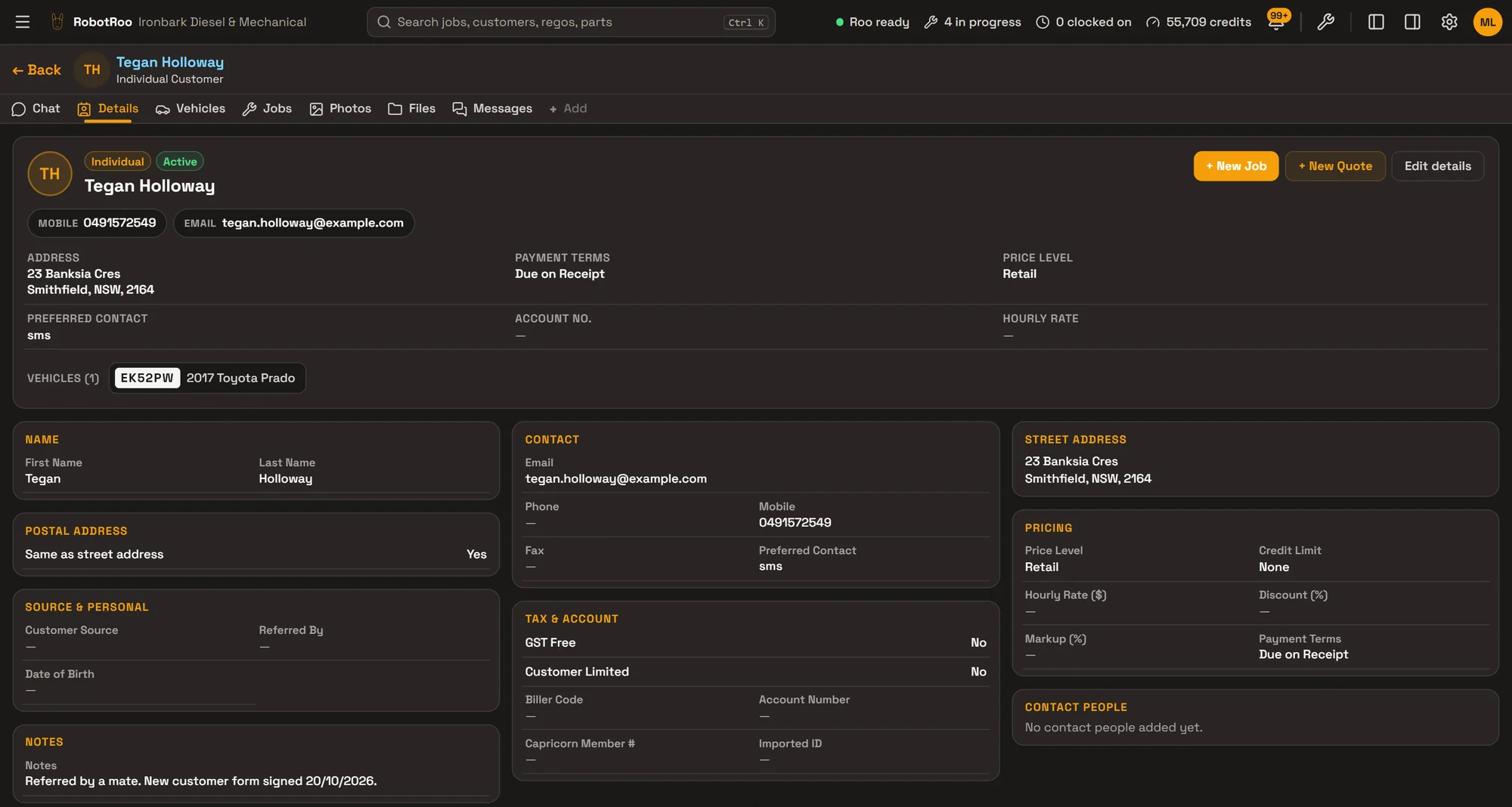
Every customer and business in one place, with their vehicles, jobs, contacts and pricing.
Add a customer by typing, by a QR code at the counter, or by sending Roo a photo of their form. Then anyone at the front desk can find them in seconds and quote at their price.
What it does
People and businesses
One record for each customer, either a person or a business, with ABN, trading name, up to three contact people, addresses and notes.
Their vehicles and jobs
Every vehicle they own and every job, on their profile. When a vehicle is sold, change its owner and its history goes with it.
Their own pricing
Price level, labour rate, discount or parts markup, payment terms, credit limit and GST-free, kept on each customer.
Sign-up by QR code
New customers scan a code at your counter and fill in their details, vehicle, photos and signature on their phone. You approve them.
How it helps
- Nobody retypes a customer.Details come from their sign-up or a photo of their form. Their signed form and photos are filed on their record.
- Find anyone fast.Search by name, phone, email or business. Filter to businesses or individuals, or to customers missing a phone or email.
- Quote at the right price.Their price level, labour rate, discount and payment terms are on their record when you open a job or quote.
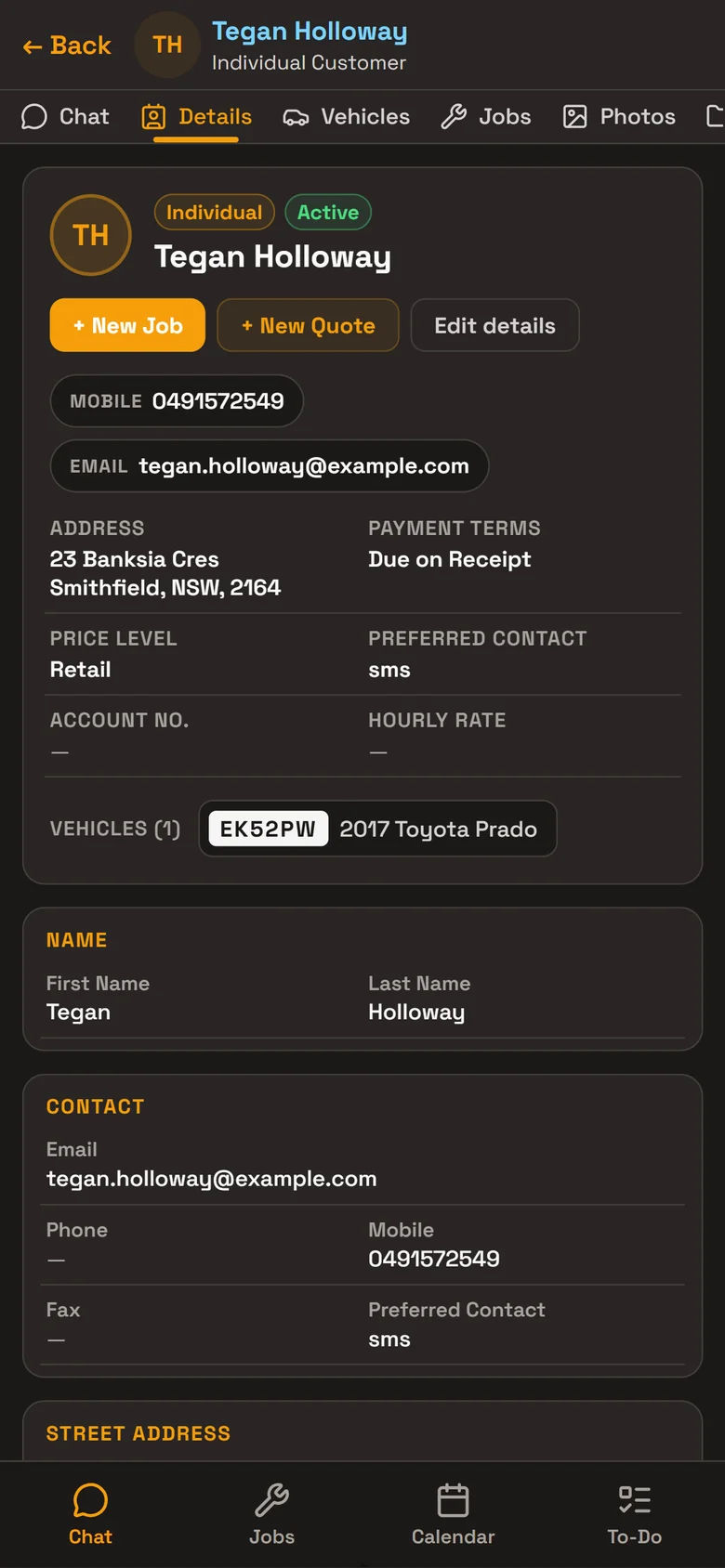
- Everything about them on one screen.Details, vehicles, jobs, photos, files and to-dos, with call and email one tap away.
Ask Roo
Ask me in your own words. I find, add and update customers, and move a vehicle to its new owner.
Added Tegan Holloway with her contact details, SMS preference and signed form. The Prado EK52PW was already on file, so I transferred it to her, keeping its existing history.
- Created Tegan HollowayUndo
- Updated EK52PW · 2017 Toyota PradoUndo
Things to ask
- What’s Coastline Plumbing & Gas’s phone number?
- Which vehicles does Westlink Couriers have?
- Change Tegan’s email to tegan@example.com.
- Move the HiLux CX47RK to Coastline Plumbing & Gas.
More details
For anyone who wants to know more.
On a customer
- Person or business; business name, trading name, ABN, ACN and website
- Mobile, phone, email and how they prefer to be contacted
- Street, postal and billing addresses
- Up to three contact people, with their position, phone and email
- Where they came from and who referred them
- Notes, and a driver’s licence or other ID on file
Pricing and accounts
- Price level: Retail, Trade, Fleet or VIP
- Their own labour rate, discount or parts markup
- Payment terms and credit limit
- GST-free customers
- Account number and Capricorn number
The customer list
- Search by name, email, phone or business name
- Filter by business or individual, missing email or phone, and archived customers
- Sort by name or most recently updated
- Each customer shows their vehicles
Their profile
- Details, Vehicles and Jobs tabs, and a chat with Roo about them
- Photos, files and to-dos for the customer
- Call or email in one tap; New Job and New Quote from their card
- Add a vehicle from their profile, or change a vehicle’s owner
Sign-up by QR code
- Your own sign-up link, QR code and printable poster
- Choose what the form asks for: details, vehicle, photos, signature and your terms
- Approve or reject each sign-up; existing customers with the same phone or email are flagged
- On approval the vehicle is added, the photos attached and the signed form filed as a PDF
- Turn the link off or give it a new code at any time
Staying in touch
- Call, text or email the customer from their job
- Email quotes, invoices and credit notes as PDFs
Bringing customers across
- We’ll assess how to bring your existing workshop data across
Access and deleting
- Separate permissions to view, add, edit and delete customers, set by role
- Deleting takes a customer off your lists and keeps their records; it’s blocked while they have active jobs
- Owners and service managers can erase a customer completely, after a preview; invoices from the last 5 years are kept for tax
Questions
What about my current workshop software?
Tell us what software you use when you register interest. We’ll assess how to bring your data across.
Do customers have to sign themselves up?
No. Add them yourself, ask Roo, or send Roo a photo of their form. The QR code is there for when it suits you.
Can a business have more than one contact?
Yes. Each customer can have up to three contact people, with their position, phone and email.
What happens when I delete a customer?
They come off your lists, and their jobs and invoices stay. You can’t delete a customer with active jobs. Owners and service managers can erase a customer completely, keeping only invoices from the last 5 years, which are needed for tax.
See the other features
Jobs, parts, quotes and invoices, bookings, research and more.