FeaturesRepair research
Repair research
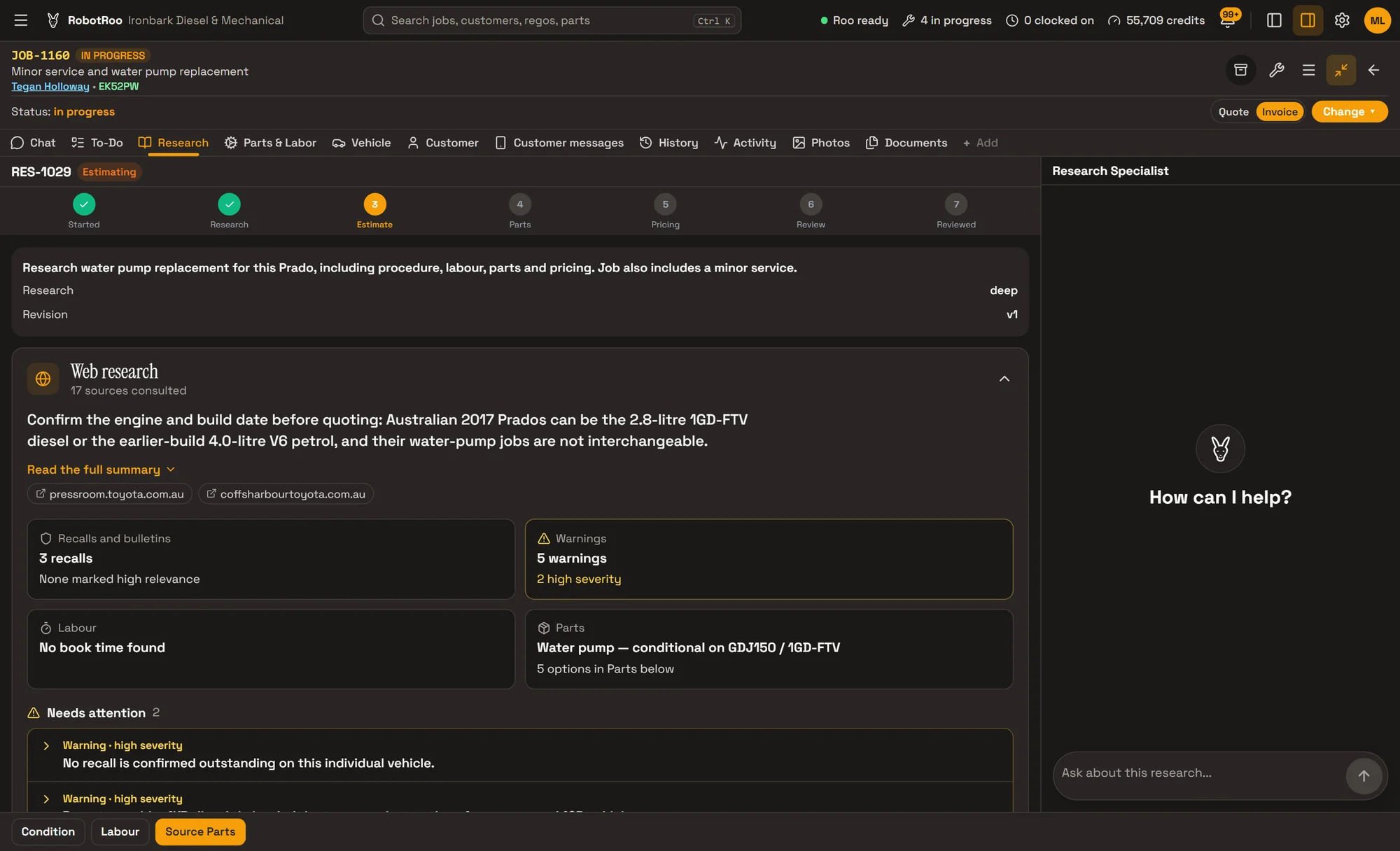
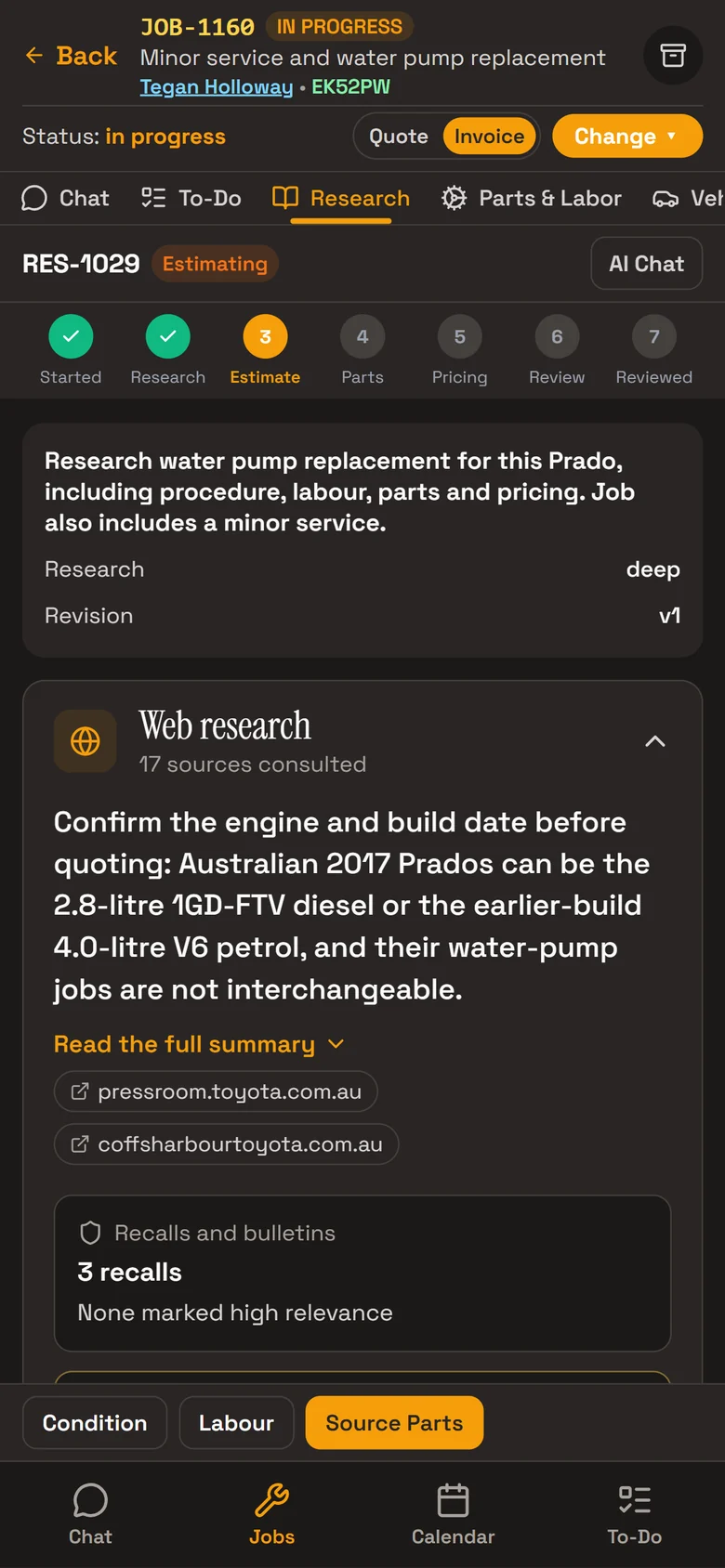
Before you quote, Roo searches the internet for repair procedures, recalls, known issues, labour times and parts, with links to the sources.
Start it from the job’s Research tab or by asking Roo. It reads the vehicle’s history in your workshop too.
What it does
Your workshop’s history
The vehicle’s past jobs, jobs on similar vehicles and the parts you used before.
Web research
Recalls and bulletins, known issues, the repair procedure with special tools and torque specs, book time and real-world labour time.
What needs attention first
High-severity warnings sit at the top, before the detail.
Every source linked
Each finding says where it came from, and the sources consulted are listed.
Parts options, ready to quote
Parts come back as genuine, with the part number, aftermarket and budget, with the prices and fitment notes found and where they were found.
Add to quote puts a part on the job for you to price.

How it helps
- Fewer surprises.Recalls, bulletins and known issues show before you quote, not halfway through the job.
- The right part on the quote.The genuine part number, with aftermarket and budget options beside it.
- Less searching.Procedure, labour time, parts and tips from other mechanics in one place.
- Your own experience counts.It reads what your workshop has done on this vehicle and similar ones.
Ask Roo
Tell me the job and the work, and whether to search the web too. I research it on the job’s Research tab.
Things to ask
- Research the water pump replacement on JOB-1160, web research too.
- What did the research find about recalls?
- Which parts did the research suggest?
- Have we done this job on a Prado before?
More details
For anyone who wants to know more.
Starting it
- On the job’s Research tab: what needs doing, Web research too, Start research
- Or ask Roo in the job’s chat
- It runs in the background, usually for a few minutes
What it finds
- Recalls and bulletins, with a reminder to check the VIN
- Known issues and warnings
- Repair procedure, special tools and torque specs
- From other mechanics, and videos
Labour
- Book time and a real-world range when they’re found
- It says so when no book time is found
- An estimate from your workshop’s history and the vehicle’s condition
Parts
- Genuine, aftermarket and budget options
- Add to quote puts the part on the job for you to price
Access and usage
- Owners, service managers and service advisers
- Web research uses your plan’s AI usage
Questions
Is it an official labour guide?
No. It searches the web and shows where each finding came from. When it finds no book time, it says so. Check the sources before you rely on them.
Does it check a vehicle’s VIN for recalls?
It finds recalls and bulletins for the model and reminds you to check the VIN with the maker.
Does it price parts from my suppliers?
No. It shows the prices it found and where. Parts you add go on the quote for you to price.
How long does it take?
Usually a few minutes. It runs in the background and fills in on the job’s Research tab.
See the other features
Customers, vehicles, the Job Centre, quotes and invoices, bookings, parts and more.