FeaturesTeam messages
Team messages
Message your team inside RobotRoo: direct messages, groups and workshop announcements, with Roo there when you need him.
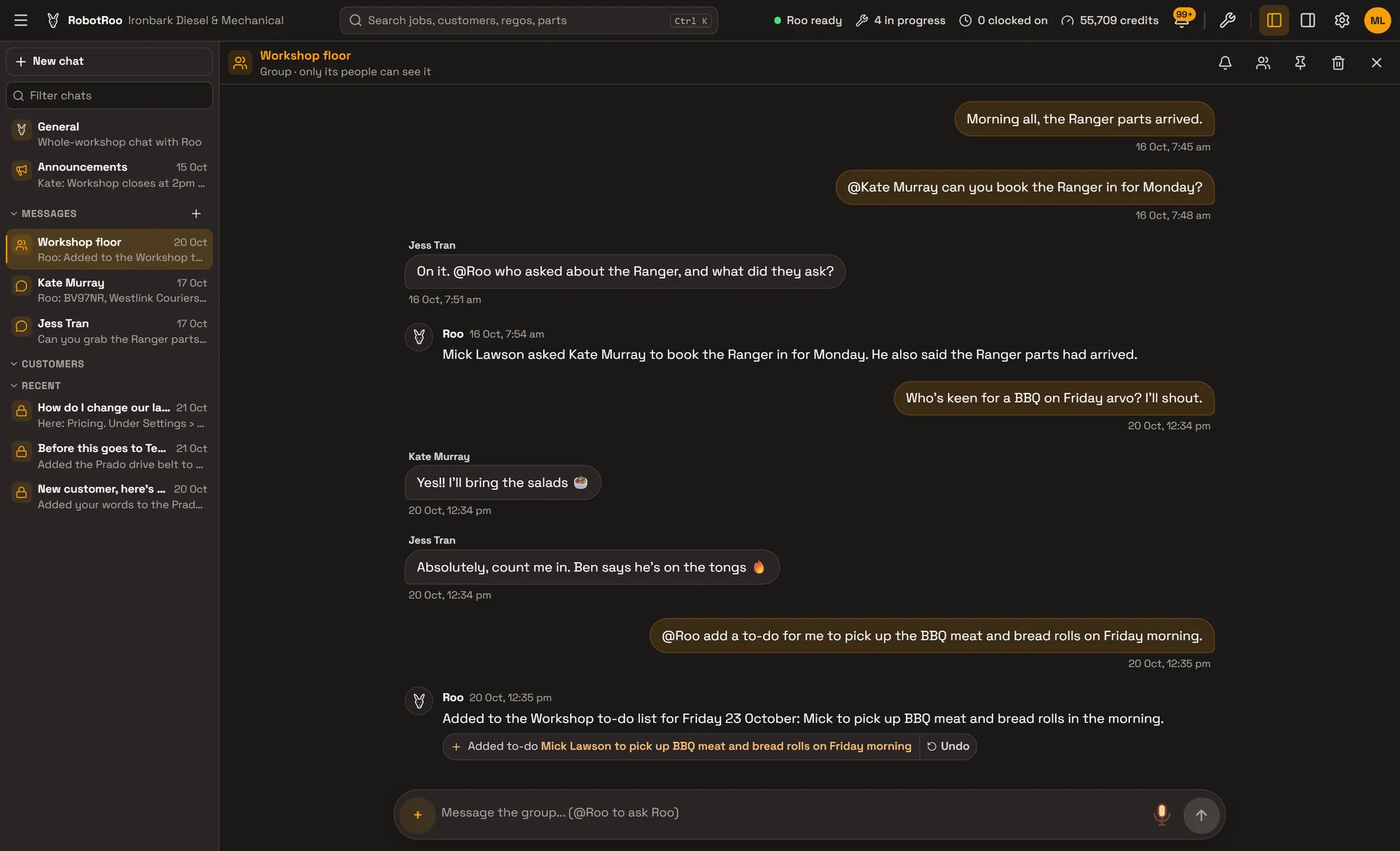
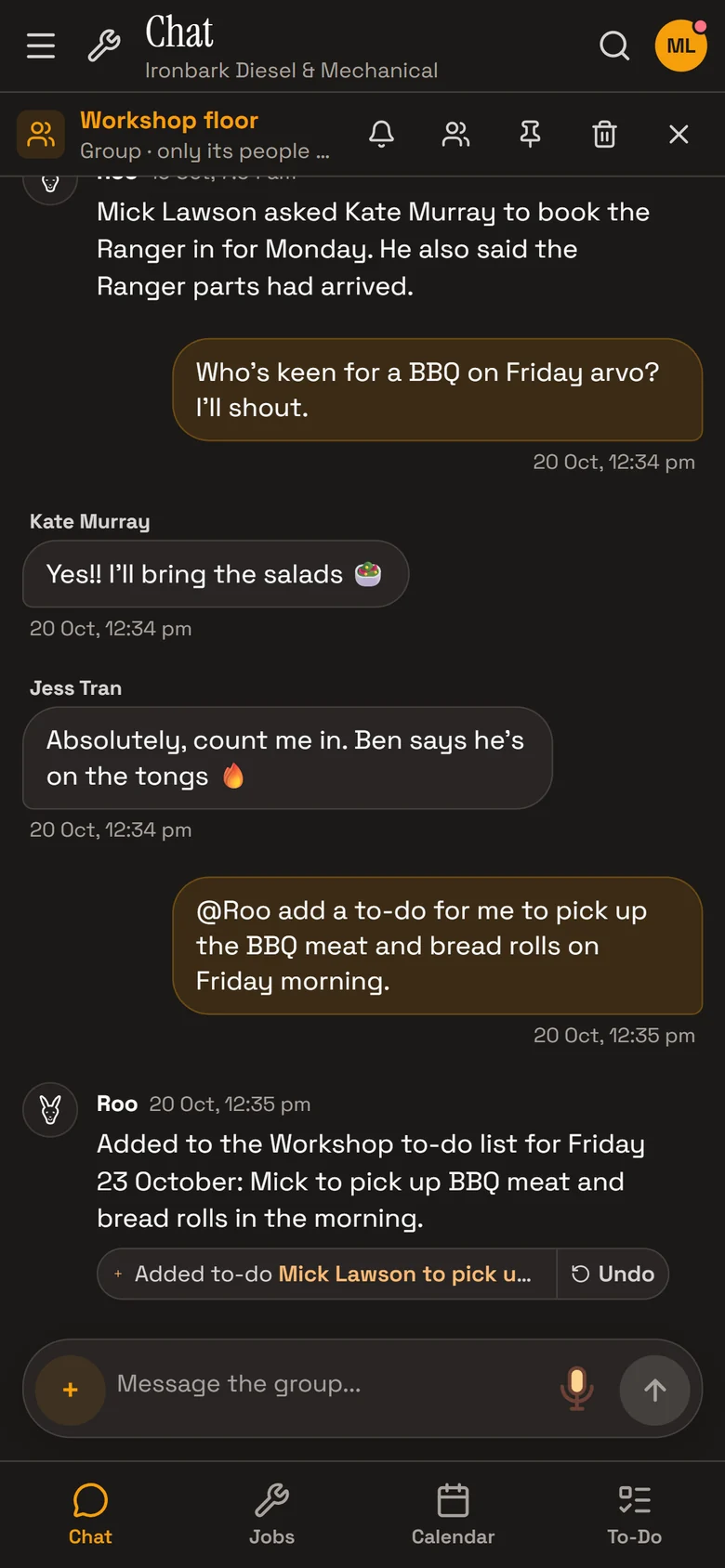
Send photos, PDFs and voice messages. Type @Roo in any conversation and he answers for everyone in it.
What it does
Direct messages
One-to-one, between two people in the workshop.
Groups
The workshop floor, the front desk, whoever you choose. Only a group’s people see it.
Announcements
For the whole workshop. The owner and service managers post them.
@Roo in the conversation
Type @Roo and he answers for everyone in it: he looks things up, books jobs or adds to-dos.
One place for announcements
Announcements go to everyone in the workshop, and only the owner and service managers can post them, so they stay for what matters.
Everyone is notified of an announcement. In a group, people are notified when someone @mentions them.

How it helps
- Work talk stays with the work.Messages sit in the same app as the jobs, customers and calendar.
- Roo in the chat.Ask him in the group and everyone sees the answer.
- Fewer interruptions.Group messages notify the people you @mention. Announcements notify everyone.
- Voice when your hands are dirty.Send a voice message; it’s shown as text too.
Ask Roo
Type @Roo in any conversation. I answer for everyone in it, with the permissions of the person who asked.
Things to ask
- @Roo who asked about the Ranger, and what did they ask?
- @Roo add a to-do for me to pick up the BBQ meat on Friday morning.
- @Roo is the Prado booked in this week?
- @Roo what’s Ben working on?
More details
For anyone who wants to know more.
Conversations
- Direct messages between two people
- Groups of up to 100 people
- One Announcements for the whole workshop
Messages
- Text, photos, PDFs and voice messages
- @mention people by name
- Delete your own messages
Groups
- Whoever started it, the owner or a service manager names it and adds or removes people
- Anyone can leave a group
Notifications
- In the app
- Direct messages notify the other person; groups notify people @mentioned
- Mute a conversation
To-dos
- A To-Do list with sections and priorities
- Roo adds to-dos with a due date and ticks them off
Questions
Do customers see team messages?
No. Direct messages are for their two people, groups for their members, and announcements for your team.
Does Roo read every message?
He answers when someone types @Roo in the conversation.
Can I edit a message?
You can delete your own messages. Editing isn’t available.
Who can post announcements?
The owner and service managers. Everyone in the workshop reads them.
See the other features
Customers, vehicles, the Job Centre, quotes and invoices, bookings, reports and more.