FeaturesXero
Xero
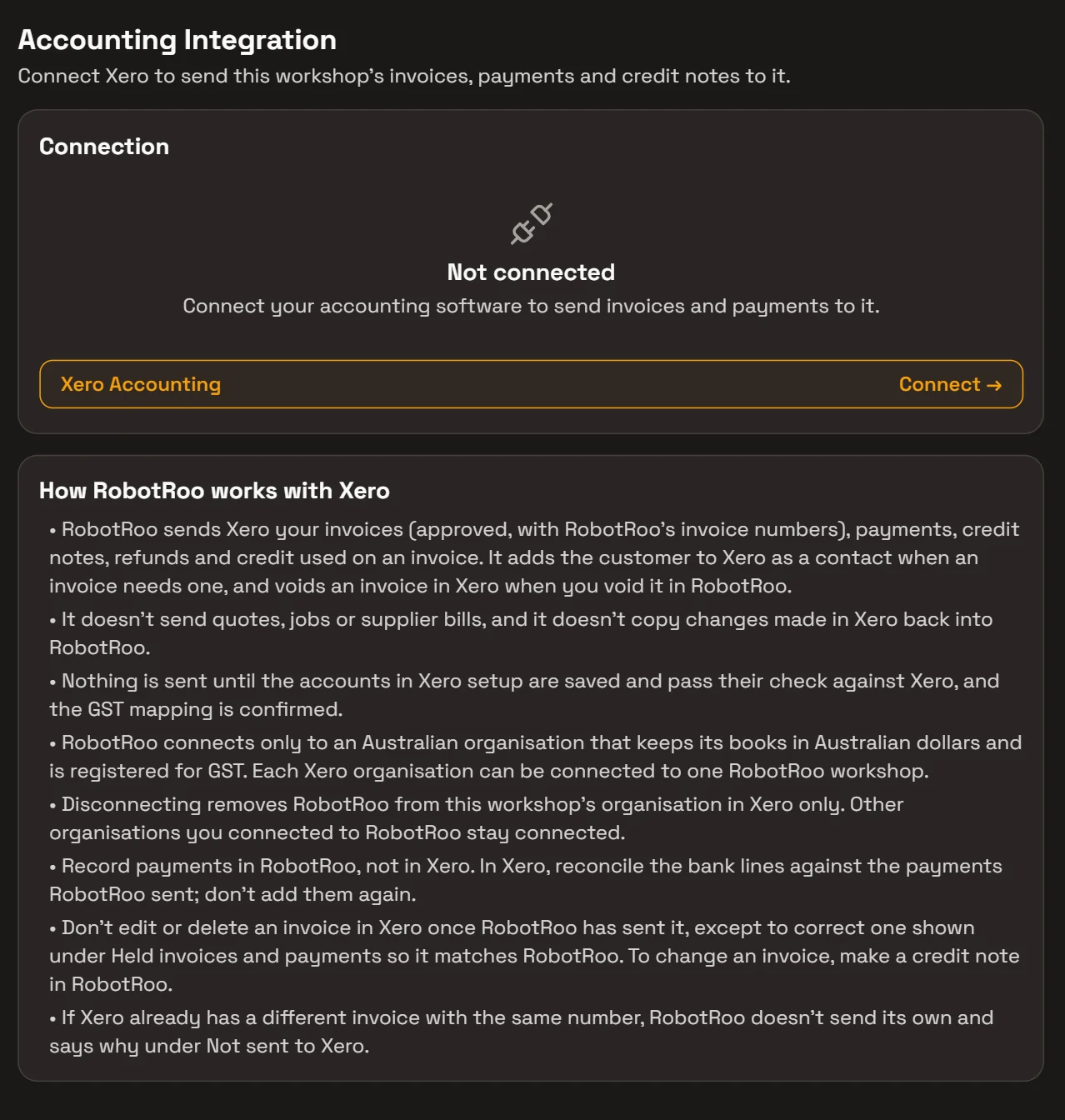
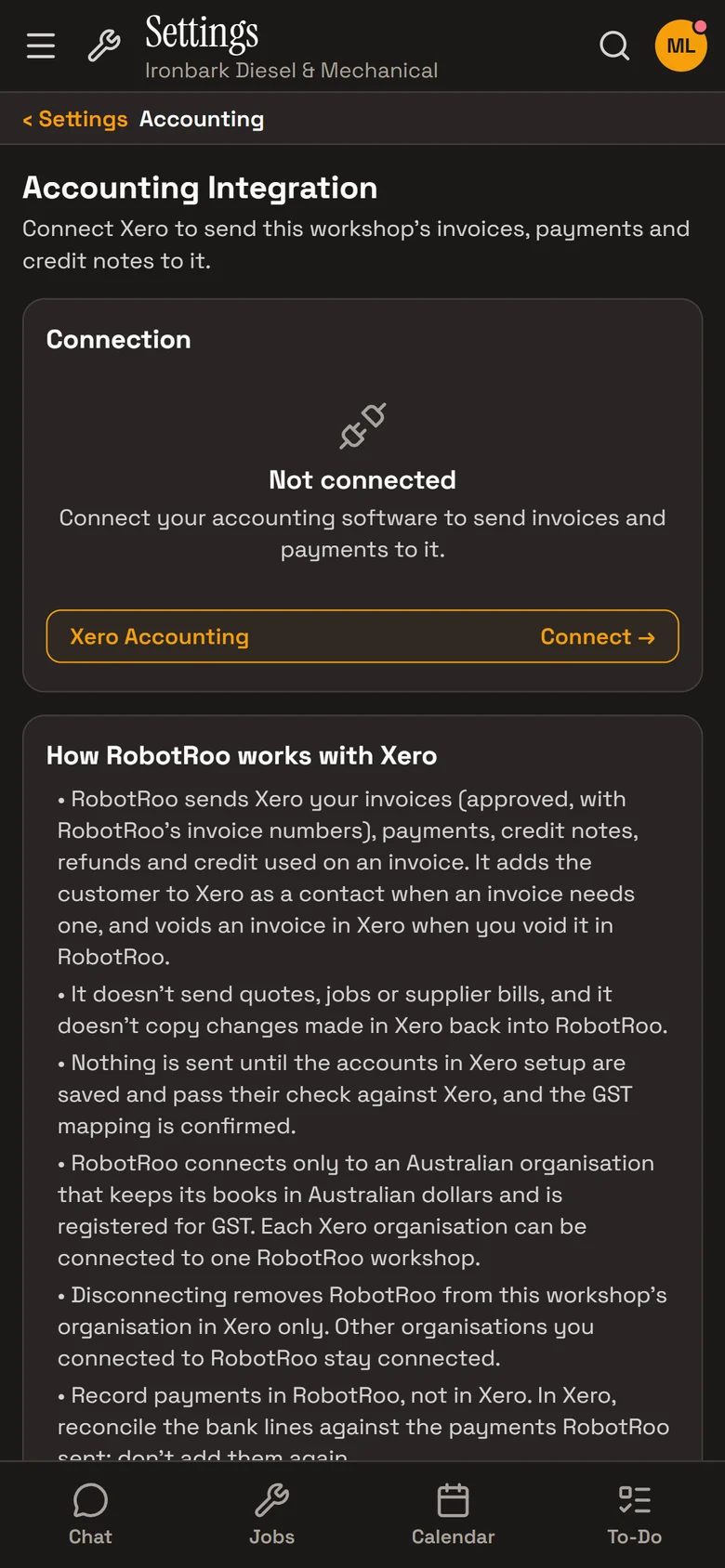
Connect your Xero organisation and RobotRoo sends it your invoices, payments, credit notes and refunds, so your books match the workshop.
It goes one way, from RobotRoo to Xero. Record payments in RobotRoo, then reconcile the bank lines against them in Xero.
What it does
Invoices
Each invoice goes to Xero as an approved invoice, with RobotRoo’s invoice number, when you finalise it.
Payments, credit notes and refunds
They follow the invoice to Xero, and a void in RobotRoo voids it in Xero.
Contacts
The customer is added to Xero when an invoice needs one, or matched to their existing contact.
Your accounts and GST
Labour and parts go to the sales accounts you choose, with the GST mapping you confirm.
Setting up
In Settings › Accounting, choose Connect and sign in to Xero, then pick your organisation. Choose the accounts for labour, parts, payments and refunds, and confirm the GST mapping.
Nothing is sent until that’s done and checked against Xero.
- Australian organisations.It connects to a Xero organisation in Australia that keeps its books in Australian dollars and is registered for GST.
- One workshop each.Each Xero organisation connects to one RobotRoo workshop.
- Owners and service managers.They connect it, choose the accounts and manage the sync.
How it helps
- No double entry.Invoices and payments made in RobotRoo don’t need typing into Xero.
- Books that match the workshop.Credit notes, refunds and voids follow the invoice.
- Problems in plain sight.Anything that doesn’t send is listed with a Retry, and the owner is told in the app and by email.
- Ask Roo about the sync.On the Accounting screen, Roo checks the sync and retries what failed.
Ask Roo
On the Accounting screen, ask me how the Xero sync is going. I can retry what didn’t send.
Things to ask
- Is everything synced to Xero?
- Why didn’t INV-1006 go to Xero?
- Retry the invoices that didn’t send.
More details
For anyone who wants to know more.
Sent to Xero
- Invoices, approved, with RobotRoo’s numbers
- Payments, credit notes, credit used on an invoice and refunds
- Voids
- Contacts, when an invoice needs one
Not sent
- Quotes, jobs and supplier bills
- Product codes
- Changes made in Xero don’t come back to RobotRoo
Accounts
- Separate sales accounts for labour and parts
- A payments account, or one per payment method
- A refunds account; GST and GST-free lines
Checks
- Retries, a catch-up every few minutes and a daily check against Xero
- Not sent to Xero, with Retry; held invoices and payments, with Release
- A sync log on the Accounting screen
Questions
Does it bring my Xero data into RobotRoo?
No. It sends from RobotRoo to Xero, and changes made in Xero don’t come back. To bring your history across, tell us what you use now when you register interest.
Can I change an invoice in Xero?
Change it in RobotRoo with a credit note. RobotRoo doesn’t update an invoice it has already sent.
Which Xero organisations can connect?
Australian organisations that keep their books in Australian dollars and are registered for GST. Each connects to one RobotRoo workshop.
Does it work with MYOB?
No. Xero is the accounting software RobotRoo connects to.
See the other features
Customers, vehicles, the Job Centre, quotes and invoices, bookings, reports and more.